
Someone just invited you to join a humn. And the link looks a bit foreign, maybe https://8lxl8.app.link/7EPxgXQgM4b
And your first thought is probably — what’s hūmNET? And your second thought is probably, what’s a humn?
What’s hūmNET?
We tell people we’re building the world’s first synchronous social presence platform.
But you can think of it like a digital hug.

You show up for a few minutes.
You’re mindfully present.
Trace the circle. Feel the vibration.
A humn is a brief, collective moment on the hūmNET platform — people coming together synchronously around a shared intention.
A simple focus phrase. An immersive sound. A gentle vibration.
Glowing beacons on a live map showing everyone there with you.
It’s not a video call. It’s not chat or messaging.
It’s just a pause. A moment of synchronous shared presence.
App Install and Onboarding Guide
1
Download the App
Get hūmNET on your phone. Tap a button below or search “humNET” in your app store.
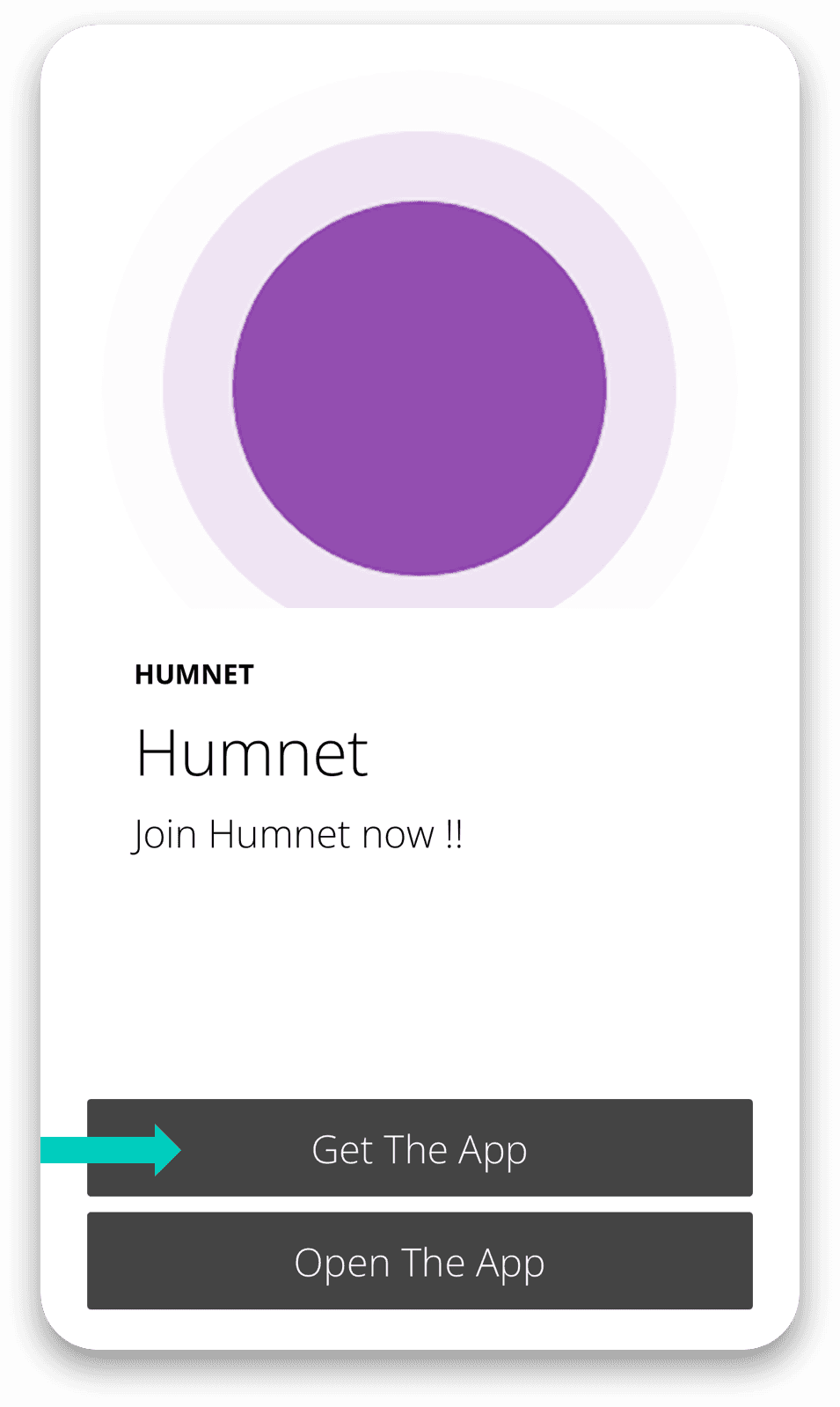
Or Click Get the App from the invite link on your phone.

2
Create Your Account
Open the app and sign up with your email, Google, or Apple account — takes under a minute.
For others to visualize your presence:
add your profile image
Select your country / zip code (for US only at this time).

3
Click Open the App from the invite
Tap the link in your invite to open the app. The humn you were invited to should show up in the top spot.
Not here from an invite link? Just start exploring!